
Safe Online Shopping Tips: Protecting Your Data and Your Wallet
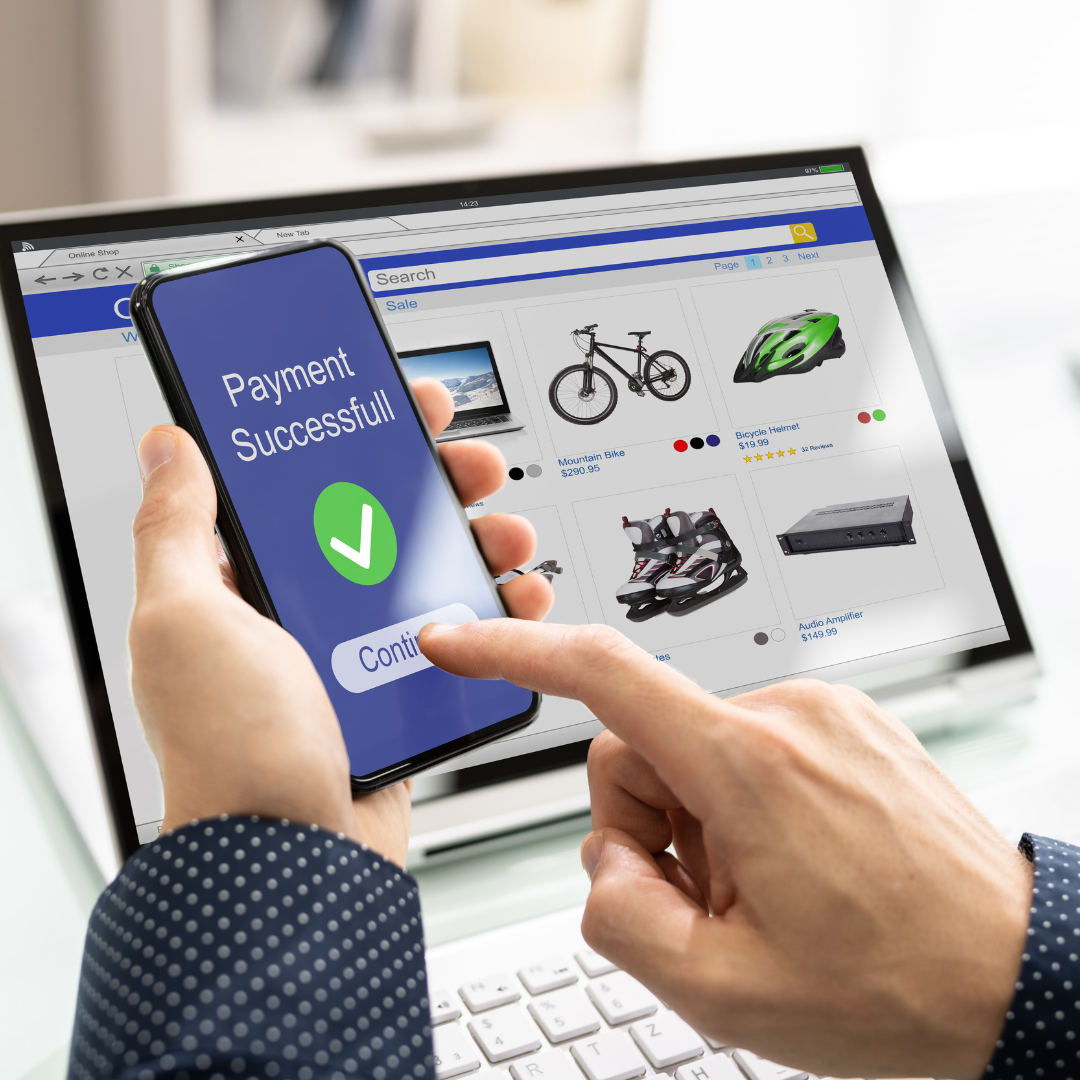
Online shopping has become the new normal for most of us. It’s convenient, accessible, and offers a wider variety of products compared to traditional brick-and-mortar stores. However, with the rise of online shopping comes the increasing risk of cyber threats. From identity theft to credit card fraud, our personal information is always at risk when we make online purchases.
But don’t let these risks stop you from shopping online. With the right precautions, you can protect yourself and your data while still enjoying the convenience of online shopping. In this blog post, we’ll share some safe online shopping tips to help keep your information secure and your wallet safe.
1. Shop on Secure Websites
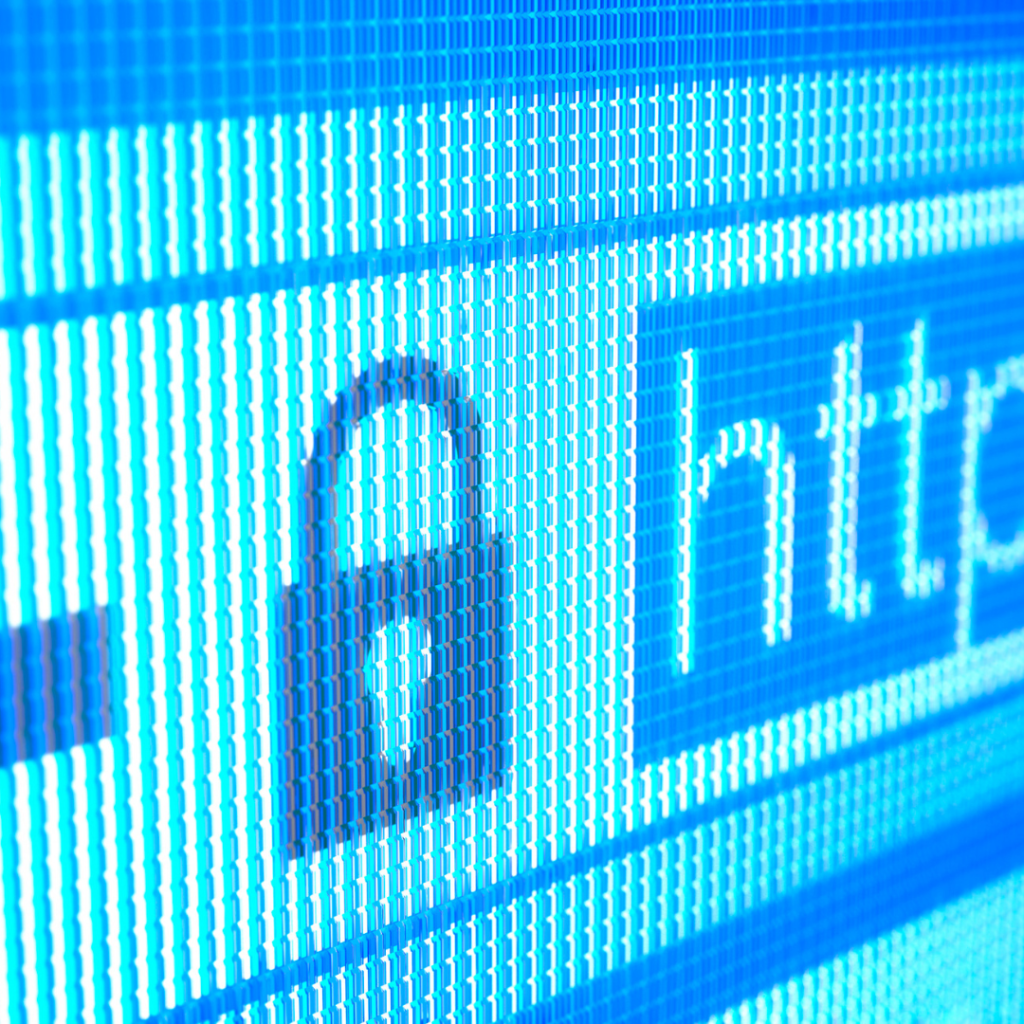
Before making a purchase online, always ensure that the website is secure. Look for the “https” in the URL instead of just “HTTP”. The “s” stands for secure and indicates that the website uses encryption to protect your data. You should also look for a padlock icon on the left side of the address bar, which is another indicator of a secure website. If you don’t see these signs, it’s best to find another website to make your purchase.
2. Beware of Phishing Scams
Phishing is a common tactic used by cybercriminals to obtain sensitive information from unsuspecting victims. These scams often come in the form of fake emails or pop-up ads that mimic legitimate websites or companies. They will usually ask for personal information or prompt you to click on a link that will install malware on your computer. Always be cautious of unsolicited emails, especially those requesting personal information. If in doubt, navigate directly to the company’s website instead of clicking on any links.
Grab your free
Chore Chart printable
Turn everyday jobs into a star-earning game the kids actually want to do. Pop your email in and it lands straight in your inbox, plus weekly home-organisation tips for busy moms.
No spam, ever. Unsubscribe anytime.
3. Use Strong and Unique Passwords
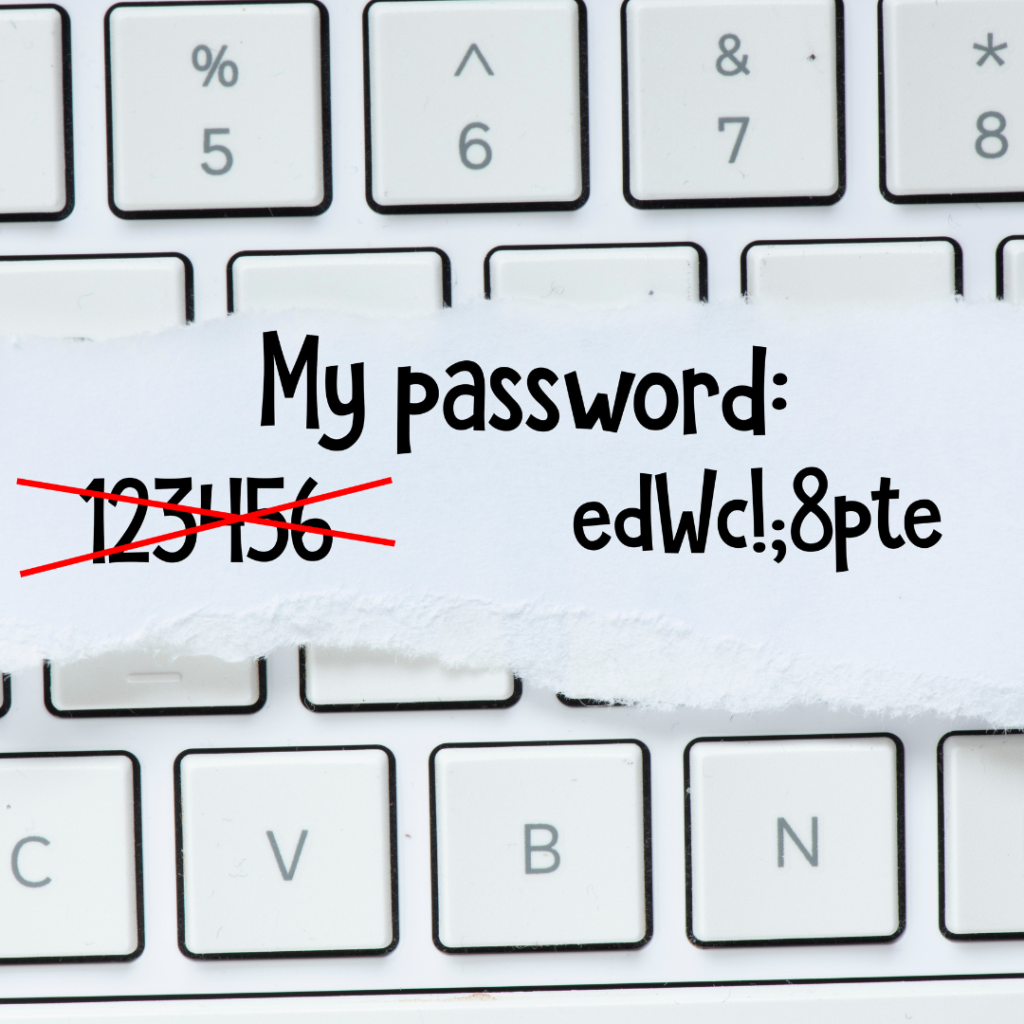
Creating strong, unique passwords is crucial when it comes to online security. Avoid using the same password for multiple accounts, and never use easily guessable information, such as your name or birth date. Instead, use a combination of letters, numbers, and special characters to make your passwords more secure.
4. Update Your Devices and Software Regularly
It’s important to keep your devices and software up-to-date with the latest security patches. This includes your operating system, web browser, and antivirus software. These updates often include fixes for known vulnerabilities that cybercriminals can exploit to gain access to your personal information.
5. Use a Virtual Private Network (VPN)
A VPN encrypts your internet connection, making it difficult for anyone to intercept or steal your data while browsing online. It’s especially useful when using public Wi-Fi networks, as they are unsecured and easily accessible by cybercriminals. A VPN adds an extra layer of security to your online activities and is a great tool for safe online shopping.

6. Pay Securely
Whenever possible, opt for secure payment methods such as PayPal or credit card instead of debit cards or bank transfers. These methods offer more protection against fraudulent transactions and allow you to dispute any unauthorized charges.
7. Keep Track of Your Purchases
Always keep a record of your online purchases, including the date, time, and amount spent. This makes it easier to track any discrepancies or fraudulent activities on your credit card statement.

8. Be Wary of Public Computers
Avoid making online purchases on public computers, such as those found in libraries or internet cafes. These computers may have malware installed that can capture your personal information. If you must make a purchase on a public computer, be sure to log out of all accounts and clear your browsing history before leaving.
9. Check for Return Policies and Customer Reviews
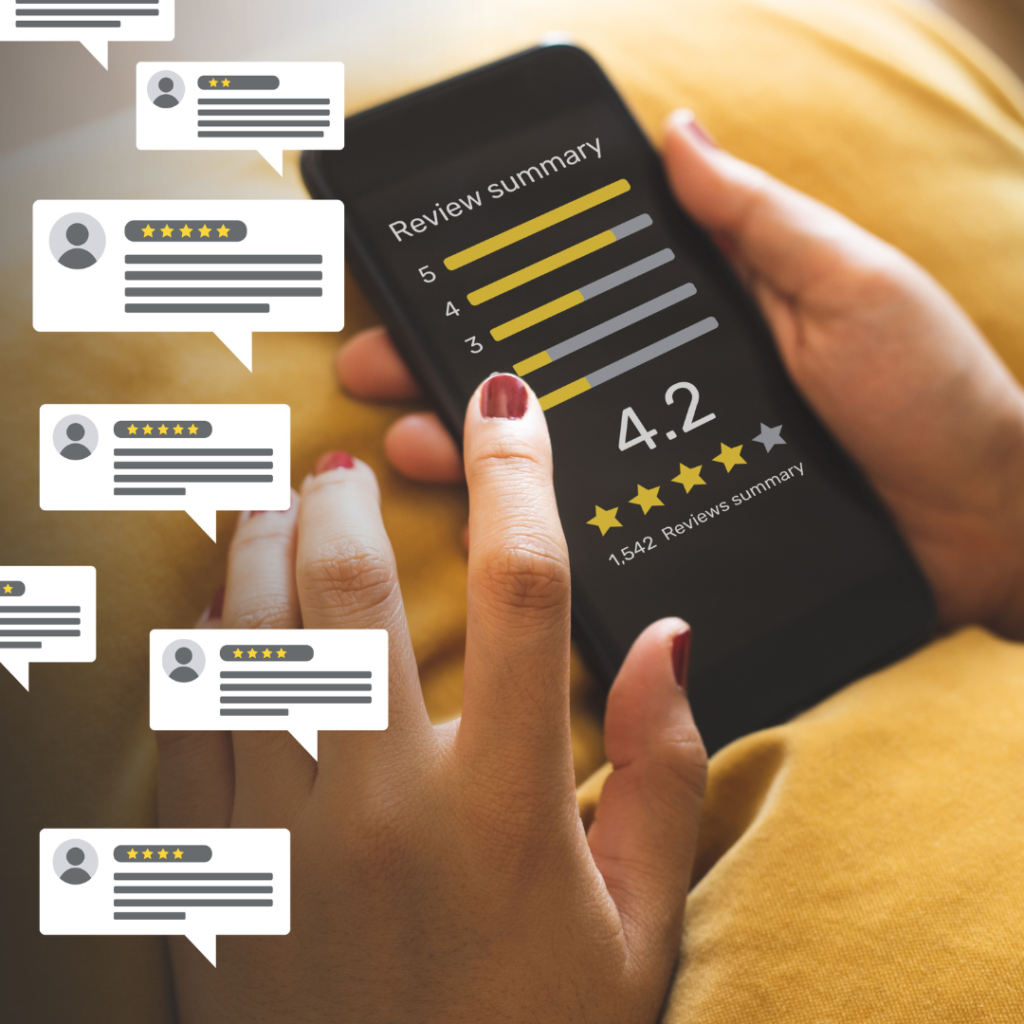
Before making a purchase, read the return policy and customer reviews of the product or website. This will give you an idea of the company’s reputation and their policies in case you need to return a product.
10. Trust Your Instincts
Last but not least, trust your instincts when it comes to online shopping. If something seems too good to be true or if a website looks suspicious, it’s best to err on the side of caution and find another option. Your gut feeling is often right, so don’t ignore any red flags.
Enjoy Safe Online Shopping
Online shopping can be safe and secure if you take the necessary precautions. By following these tips, you can protect yourself from cyber threats and enjoy a worry-free online shopping experience. Always keep these tips in mind to ensure a safe and secure online shopping experience.